
GoNoGo on Hilton
Because "pet-friendly" isn't always friendly.
Download GoNoGo for Chrome or Edge — it's free.
Hilton's own filters make it easy to find a pet-friendly stay — there's no equivalent filter for the opposite. GoNoGo fills that gap directly on the site: install it, search as normal, and it reads each property's own pet policy to tell you whether pets are allowed, not allowed, or simply not specified.
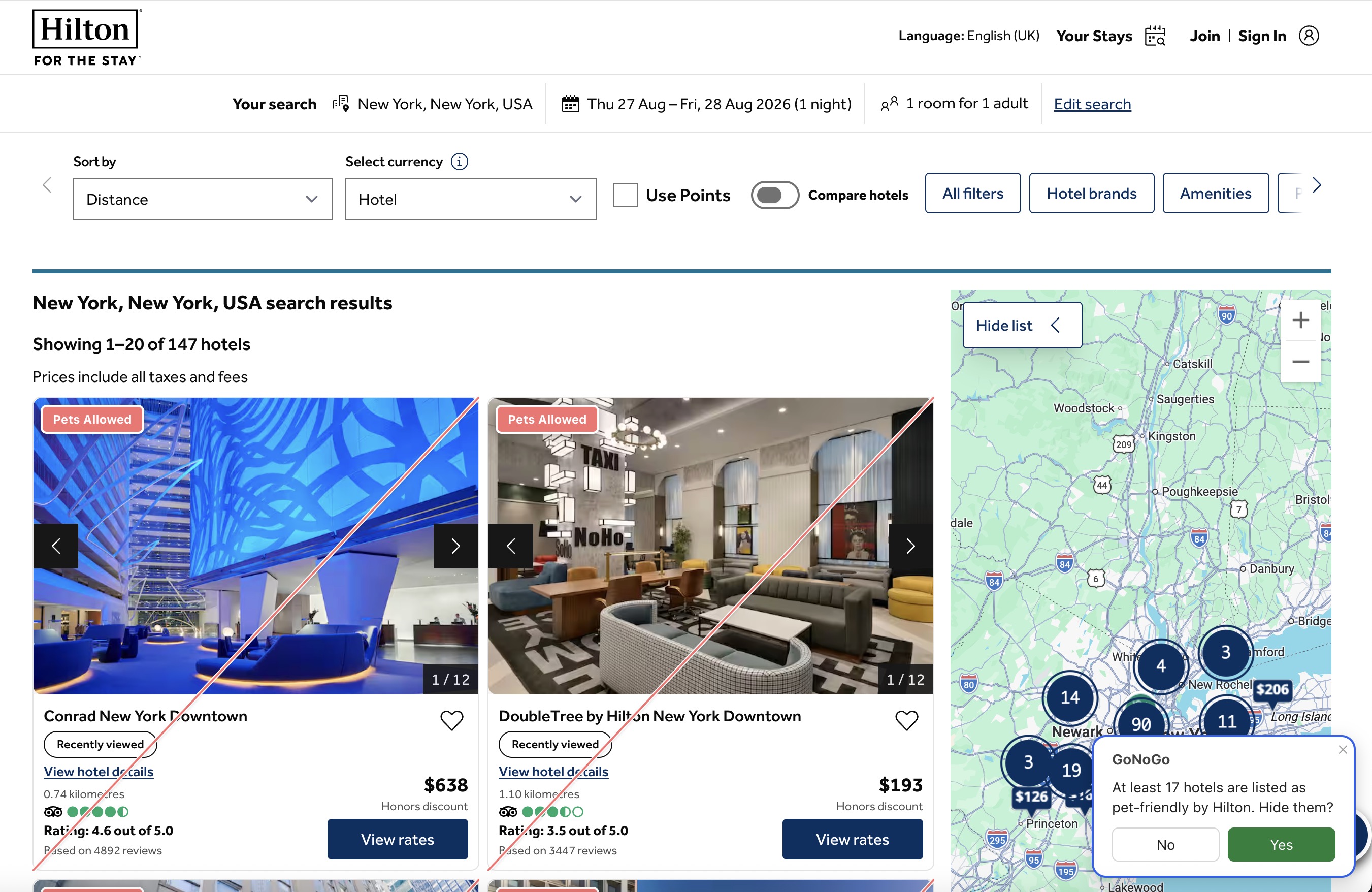
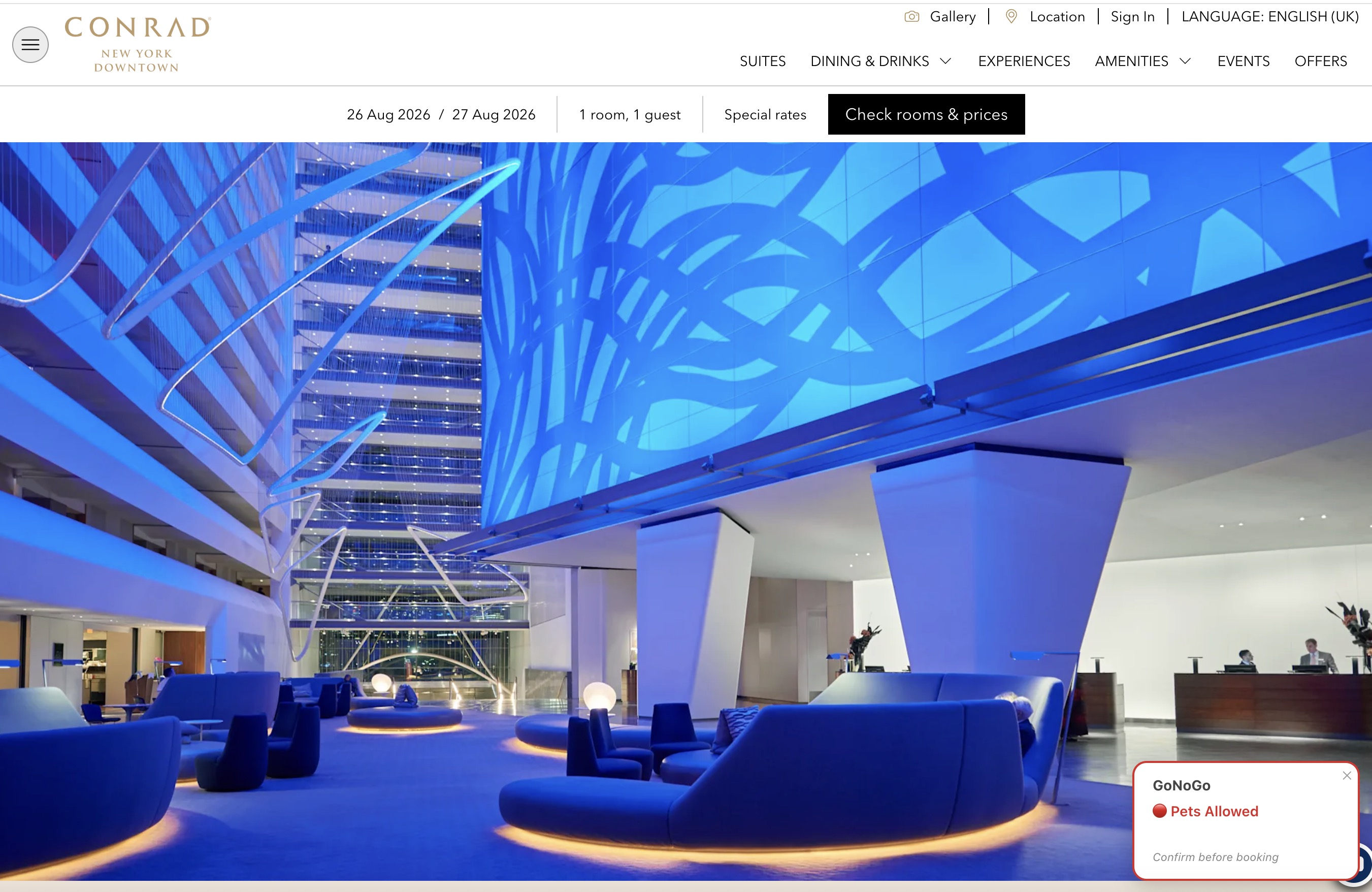
On a Hilton search-results page, GoNoGo flags every listing it can confirm is pet-friendly with a red corner badge, and offers to hide exactly those — leaving non-pet-friendly and unclear listings visible, since those are the ones actually worth considering. On an individual property page, it shows the same result as a small badge in the corner of the screen.
See it in action
Search results — New York, NY
Property page — Conrad New York Downtown
What GoNoGo can confirm on Hilton
Hilton properties carry a genuine, structured pets-allowed/not-allowed field, not just an
absent amenity tag, so GoNoGo can confirm "not allowed" as well as "allowed" with real
confidence.
Service animals
In many regions, service animals are legally exempt from standard pet policies. GoNoGo
does not attempt to classify or exclude these cases — it simply reflects the general pet
policy stated in the listing.
More guides: No pets allowed hotels · Hotels for pet allergies · "No pets" filter?
Get GoNoGo for Chrome · Get GoNoGo for Edge · FAQ · Back to GoNoGo